Browse
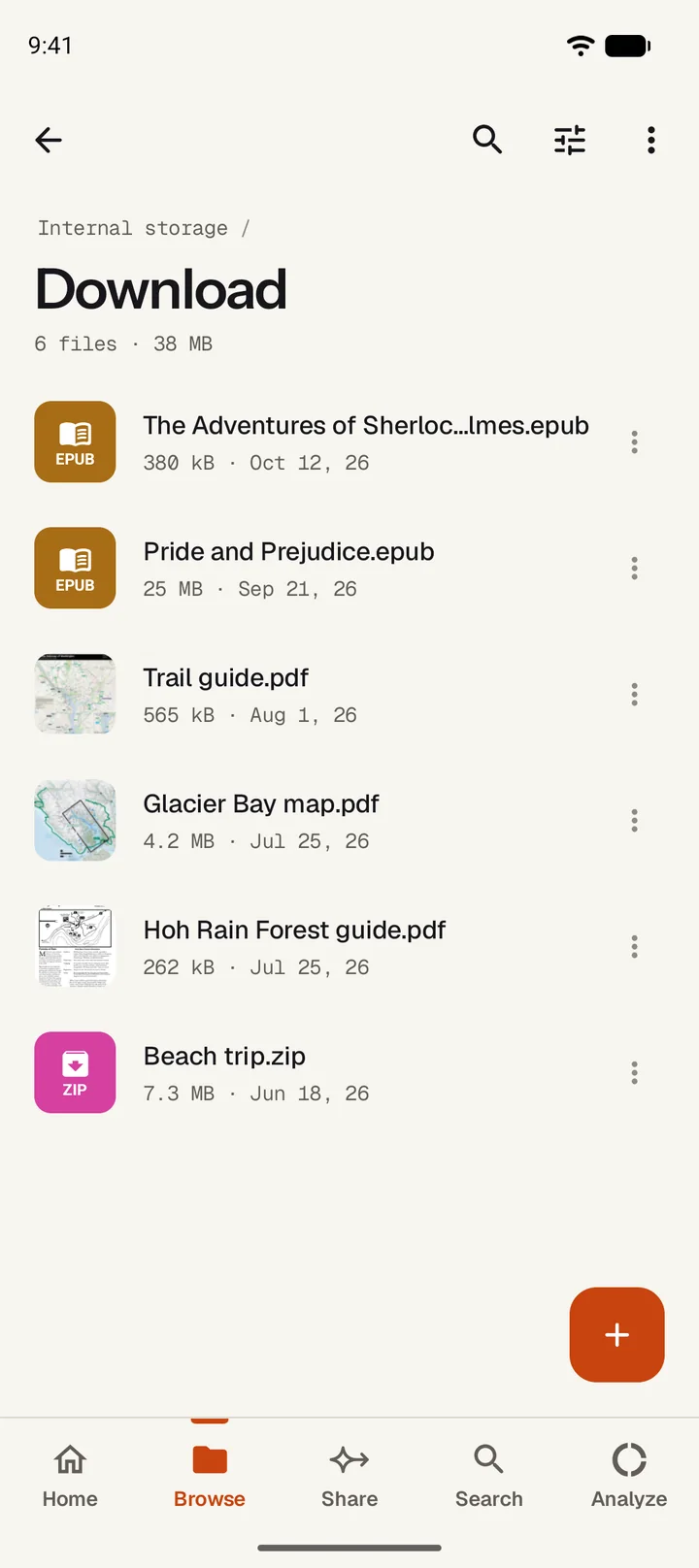
Every folder, and inside every zip
Internal storage, SD cards, and USB drives in lists or grids, with tabs. Open a zip, 7z, or RAR like any folder.
New Copy speed and time left, live in the status bar
Lumen is a file manager for Android that browses, finds, previews, and cleans up, with no account and no tracking.
Free · Android 8 and up · Phones, tablets, and foldables
What you get
Browse
Internal storage, SD cards, and USB drives in lists or grids, with tabs. Open a zip, 7z, or RAR like any folder.
Search
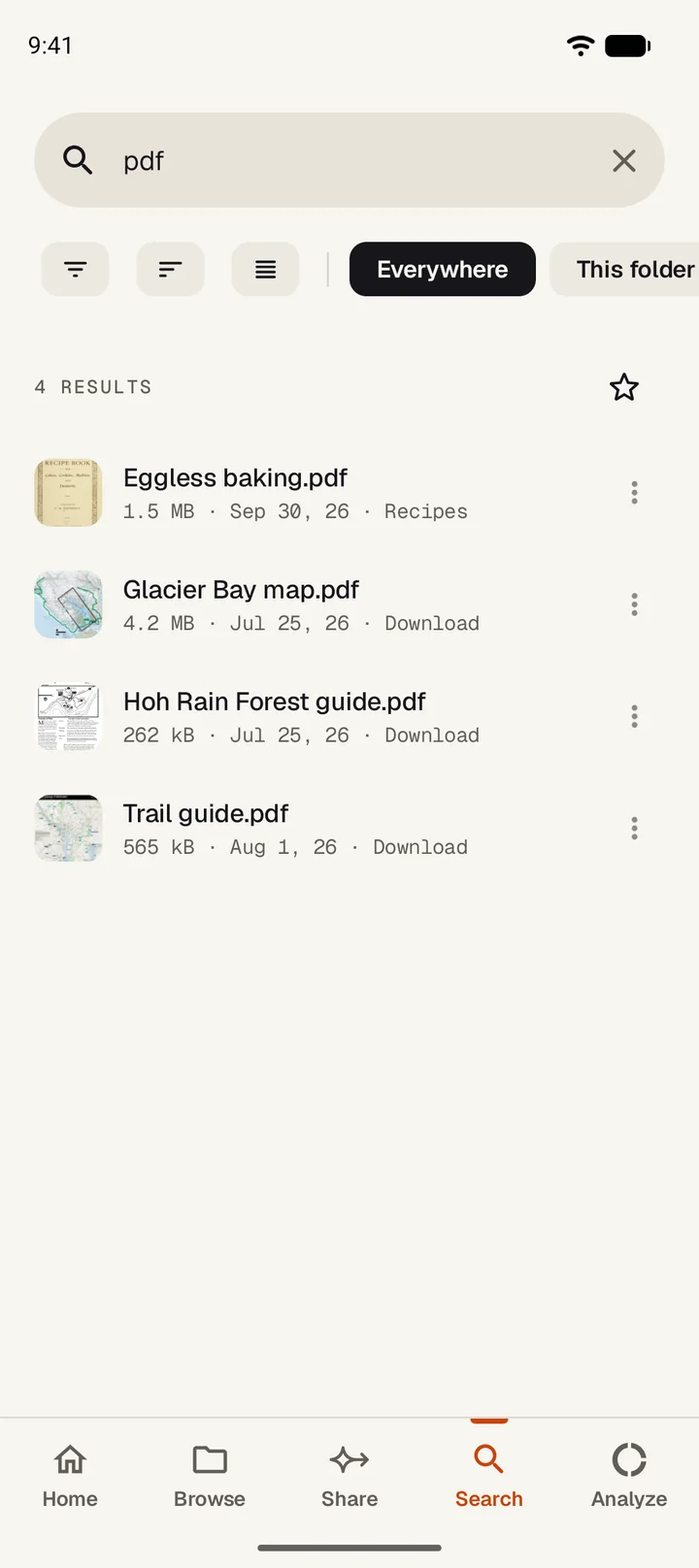
Names, paths, and types across all your storage, with filters for size and date. The index stays on your phone.
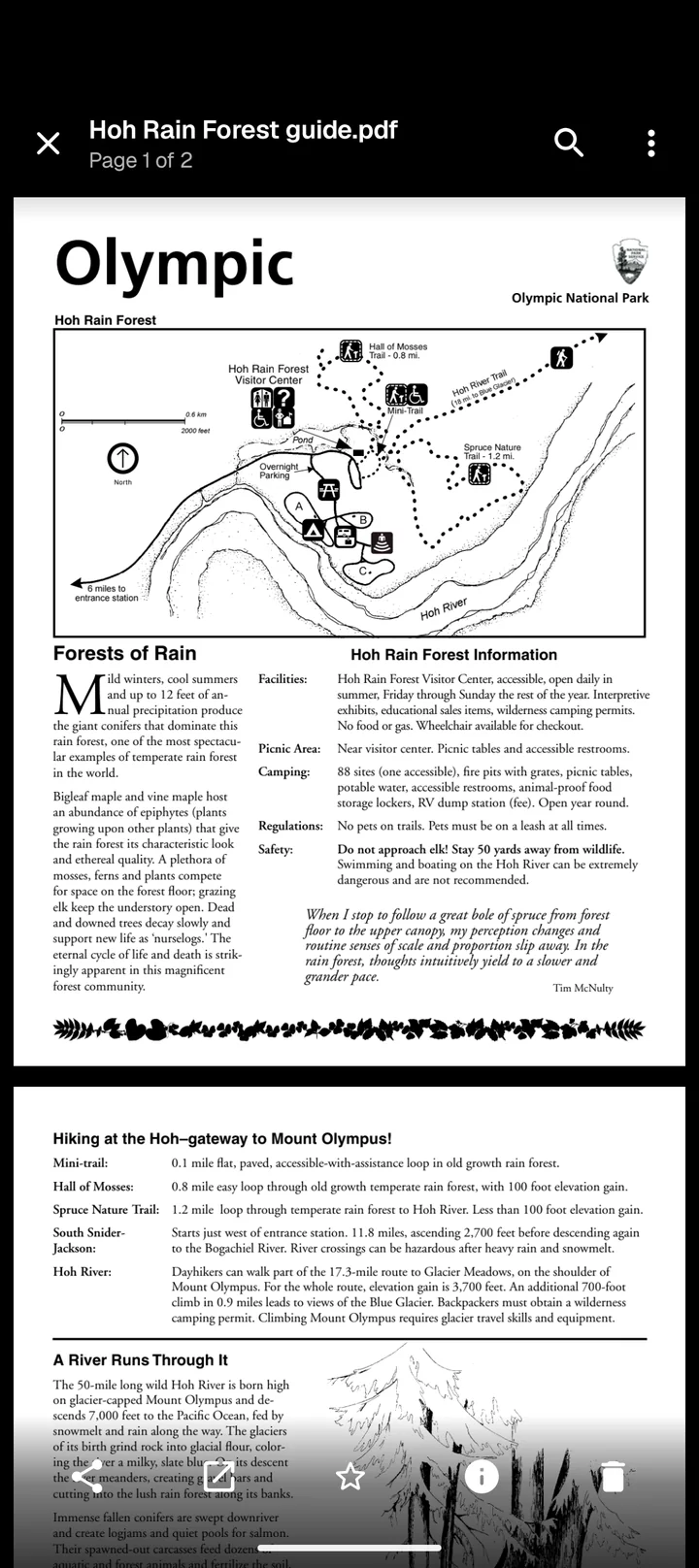
Preview
PDFs, Word documents, spreadsheets, Markdown, code, e-books, music, and video, without another app.
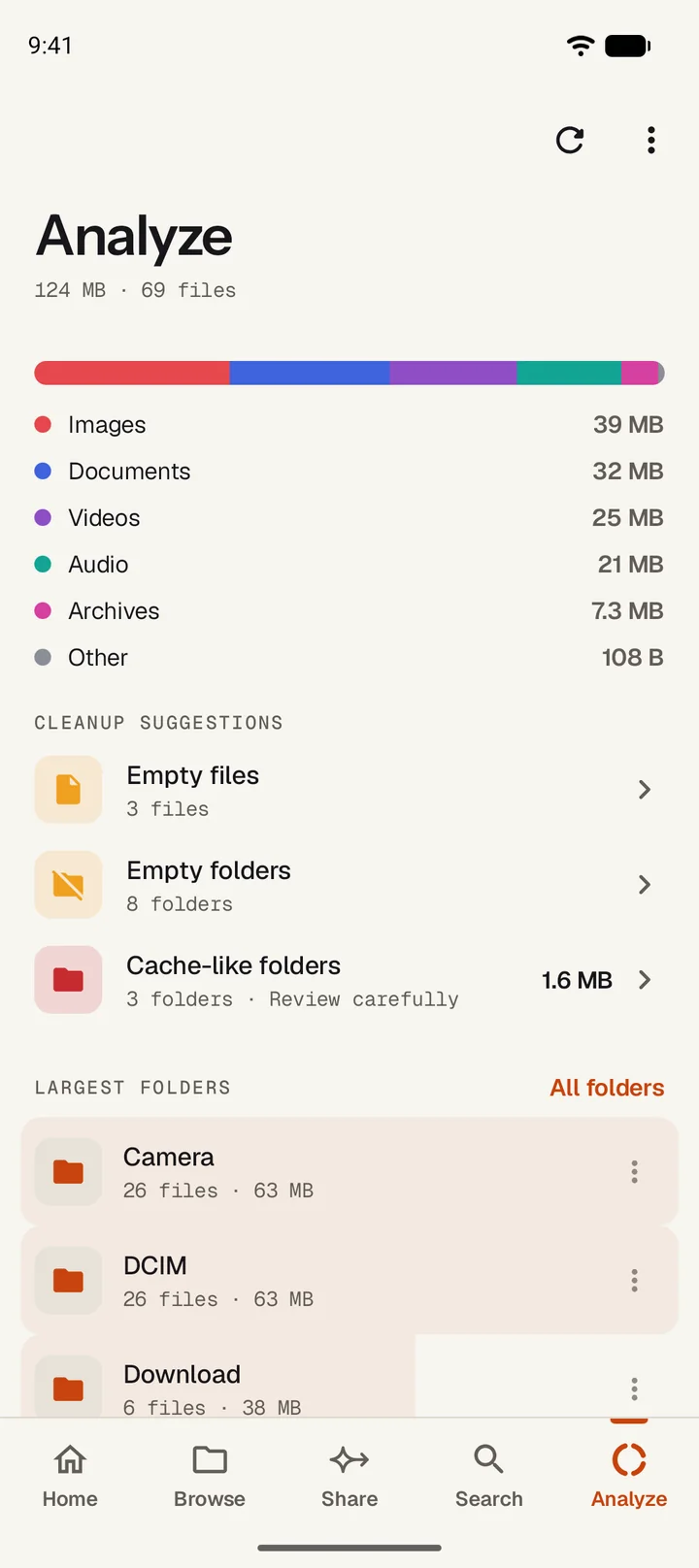
Free up space
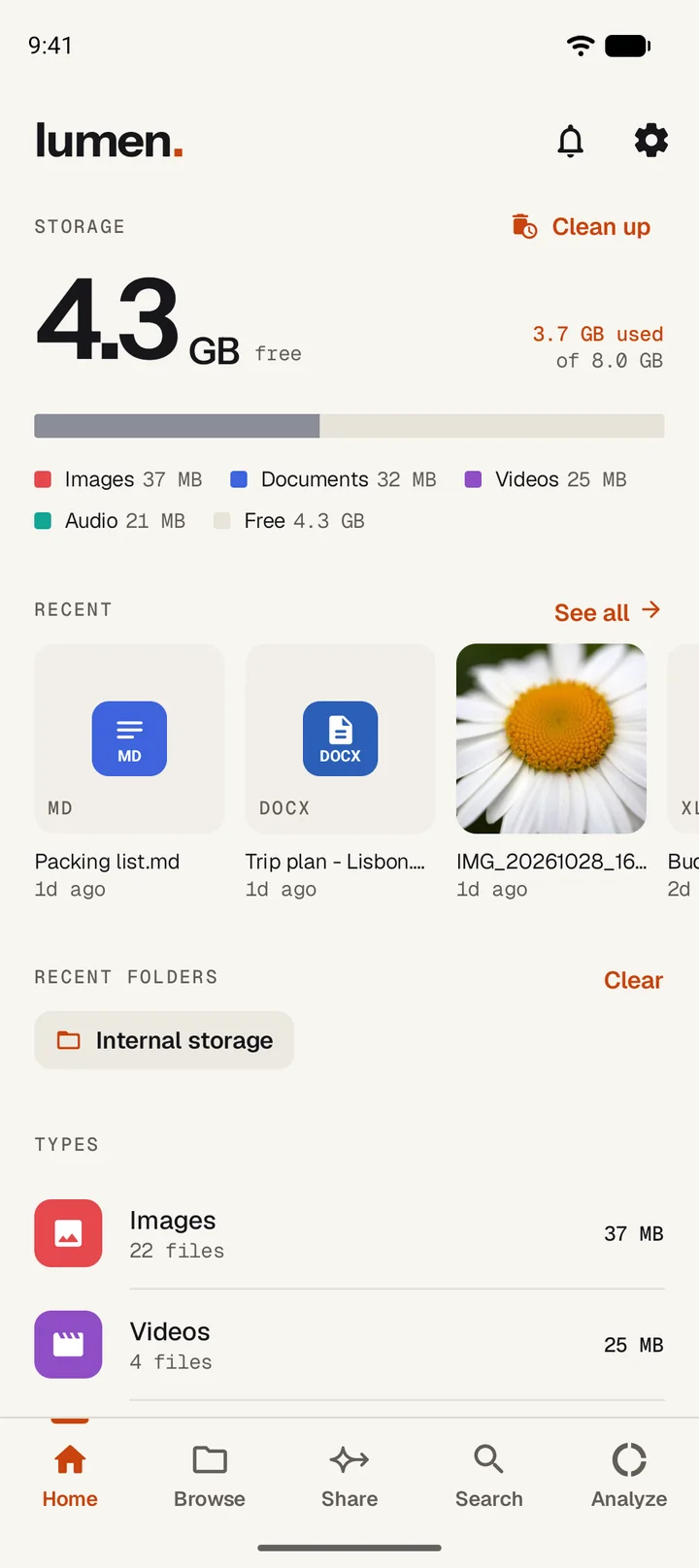
The largest files, exact duplicates, blurry photos, and what each app keeps. Nothing goes until you review it.
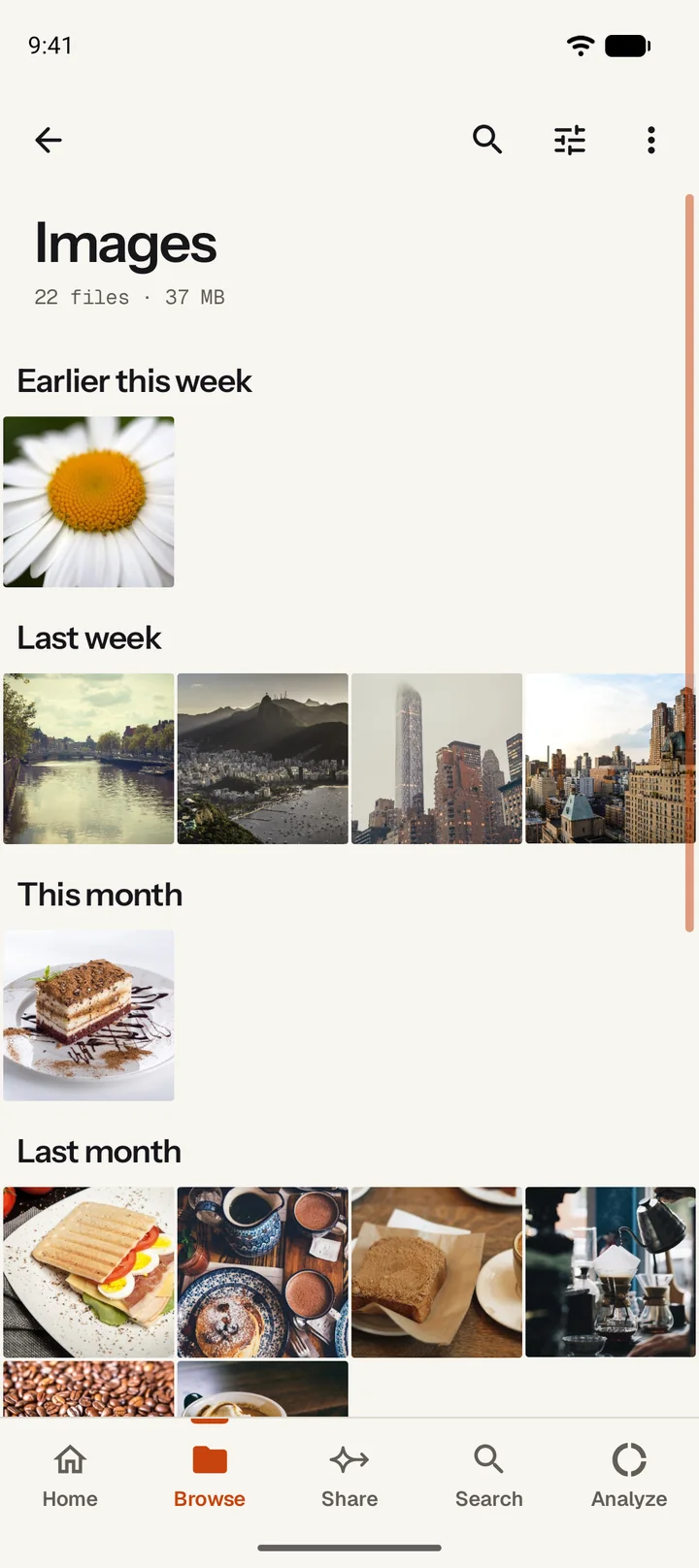
Photos and videos
Every photo by day and month, full screen with a swipe, and the same move, share, and trash as any file.
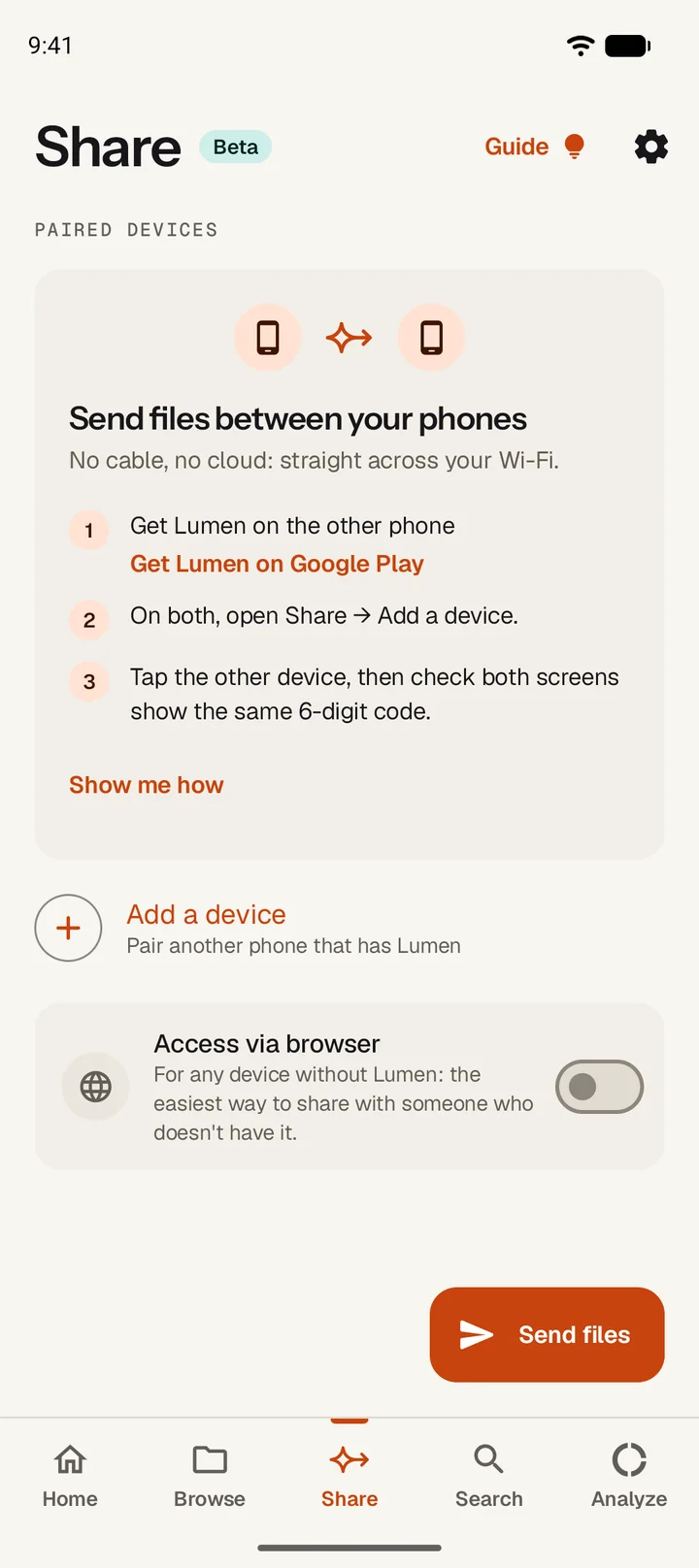
Share
Between your phones with no cable and no cloud, or to any computer's browser. Off until you turn it on, and every device needs your approval.
Copy and move with pause and cancel. Conflicts always ask, and the trash has undo.
Light and dark, wallpaper colours, tablets and foldables, and 12 languages.
Phone storage, cards, archives, folders from other apps, and the trash, side by side.
Principles
Nothing to sign up for. Lumen works the moment you open it.
No analytics, nothing that watches what you do.
Nothing leaves your phone unless you share it, and then only to whom you choose.
Reviews
★★★★★
“Found it very appealing and attractive from the screenshots. Installed it and loving every minute of using it. Amazing work done. Just switched from Solid Explorer, and have no intention of going back.”
★★★★★
“One of the best file managers I’ve used. The UI is intuitive, indexing is accurate, and file organization works flawlessly. You can tell a lot of thought has gone into the details.”
★★★★★
“Great file Manager! Really good looking, modern and clean. … Opens files faster than MiXplorer and so on. … I'm surprised it's not paid and totally free from trackers.”
★★★★★
“Really liking this app so far! Clean, modern, easy to use, and packed with useful features. Love that it's completely free and ad-free right now.”
★★★★★
“I already use some good file managers, like MiXplorer and a few others. … I was planning to uninstall it after reviewing, but I'm actually keeping it for now.”
★★★★★
“Best file manager... no doubt”
Questions
No. Lumen has no account, no analytics, and no crash reporting. Your files and your activity stay on your phone.
Android 8 and up, on phones, tablets, and foldables. It's available in 12 languages.
Yes. Lumen opens a zip, 7z, or RAR archive like any folder, and it can compress files and extract archives.
Yes. Internal storage, SD cards, and USB drives show up side by side, in lists or grids, with tabs.
Turn on sharing in Lumen and open the address it shows in any browser on a computer on the same Wi-Fi network, or send files to another phone running Lumen. Sharing is off until you turn it on, you approve every device on your phone, and files go directly between your devices without passing through the internet.
Lumen's analysis shows the largest files, exact duplicates, blurry photos, and what each app keeps. Nothing is deleted until you review it.
Yes. Deleted files go to Lumen's trash, and you can undo a delete or restore the file from the trash.
To browse and manage files across your storage. Lumen asks only when you open a part of the app that needs it, and the permission doesn't let it read other apps' private data.
Free on Google Play.
Get it on Google Play